Decide what to work on today
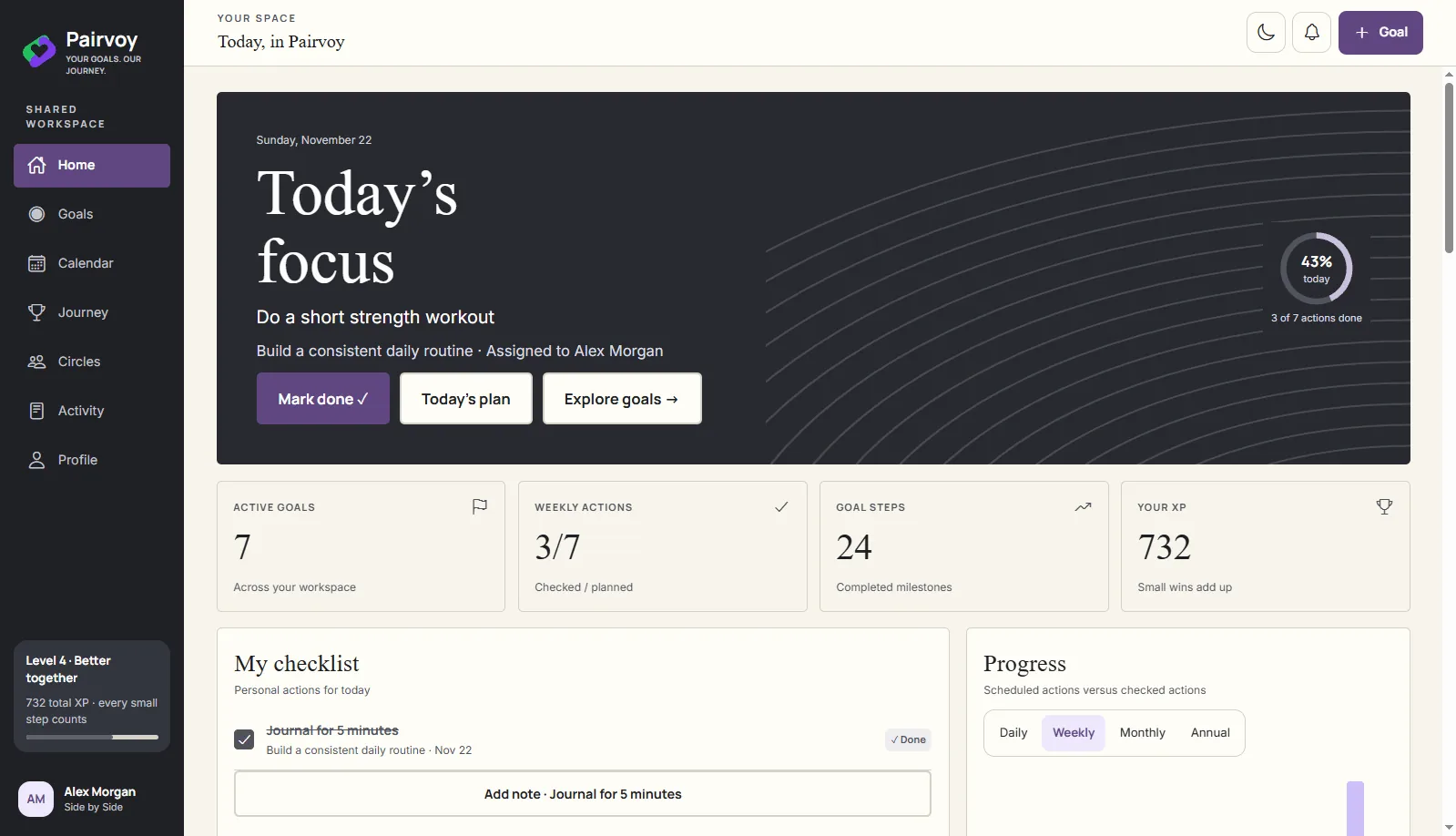
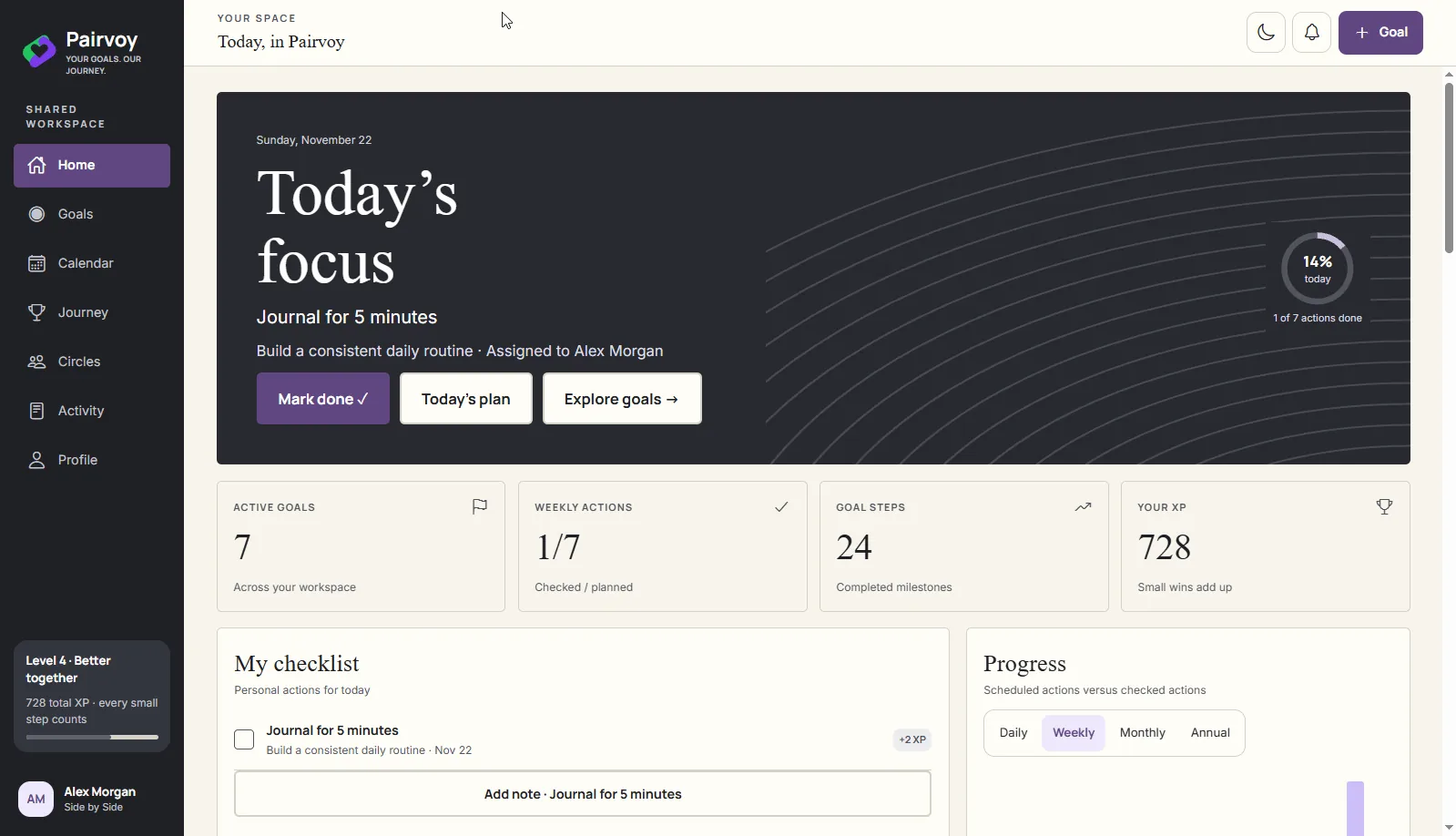
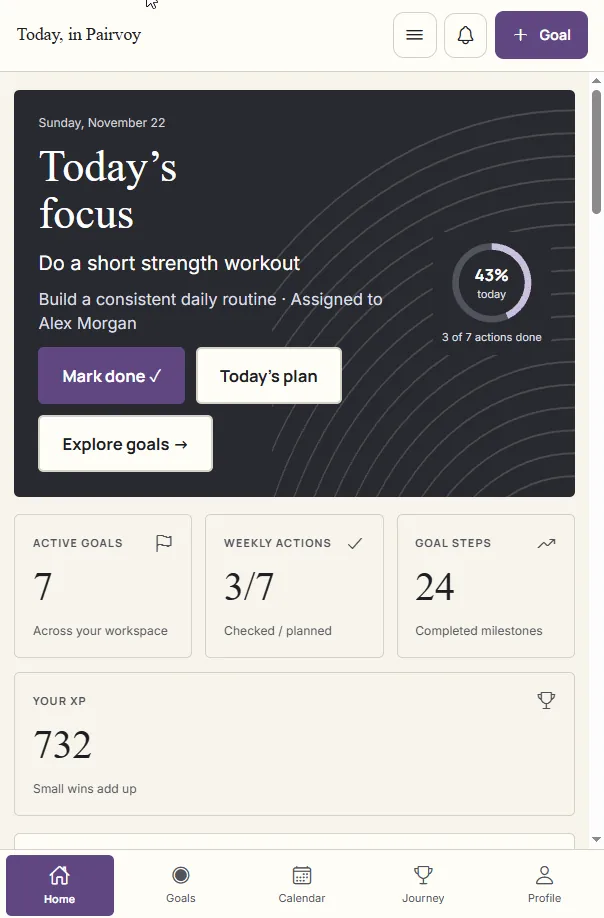
Start on Home with Today’s focus and My checklist. See personal actions and overdue items, mark actions complete, and keep private notes on this device.
Your goals. Our journey. Turn personal goals and shared ambitions into meaningful plans, everyday action, and progress worth celebrating.
Web app available · Windows x64 and Android 0.5.19 testing downloads
Pairvoy brings individual goals and shared plans into one workspace. Make room for health, learning, adventures, and the milestones that matter to both of you.
Plan the next step, put it on the calendar, encourage your partner, and see how your effort adds up. XP, levels, and achievements add game-inspired motivation to real progress.
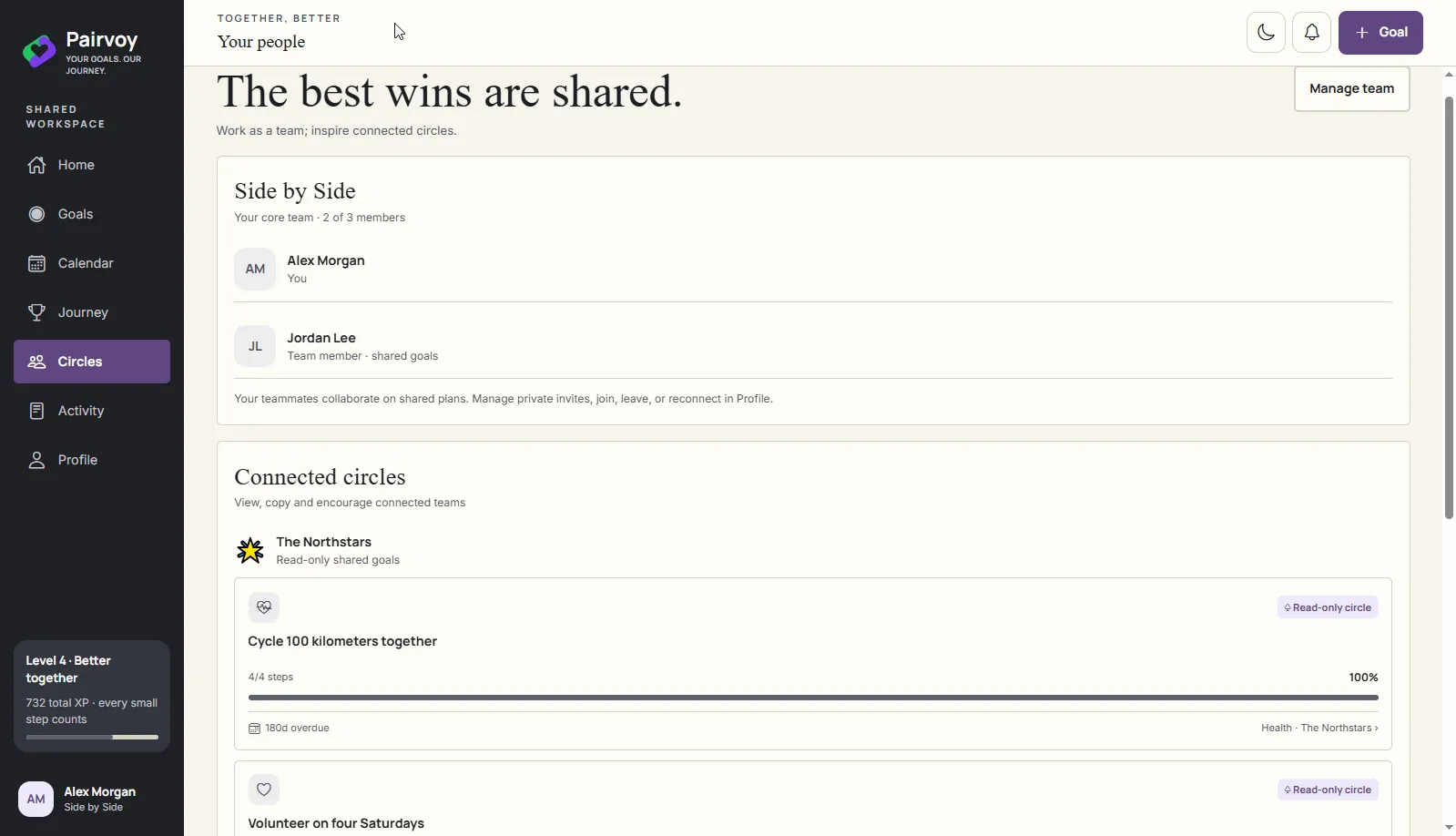
The app is designed around couples, with support for a core team of up to three and separately connected circles.
Start on Home with Today’s focus and My checklist. See personal actions and overdue items, mark actions complete, and keep private notes on this device.
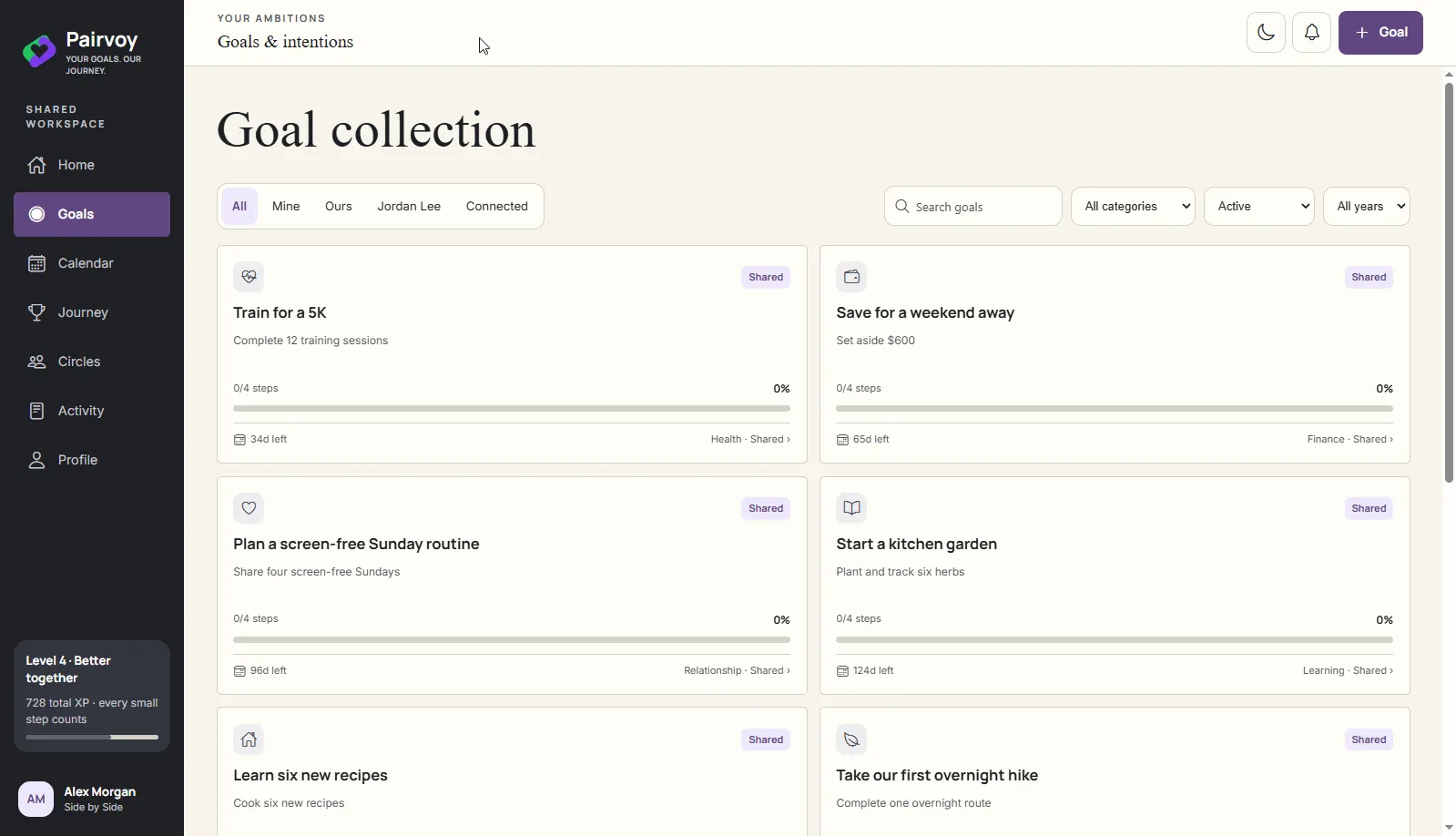
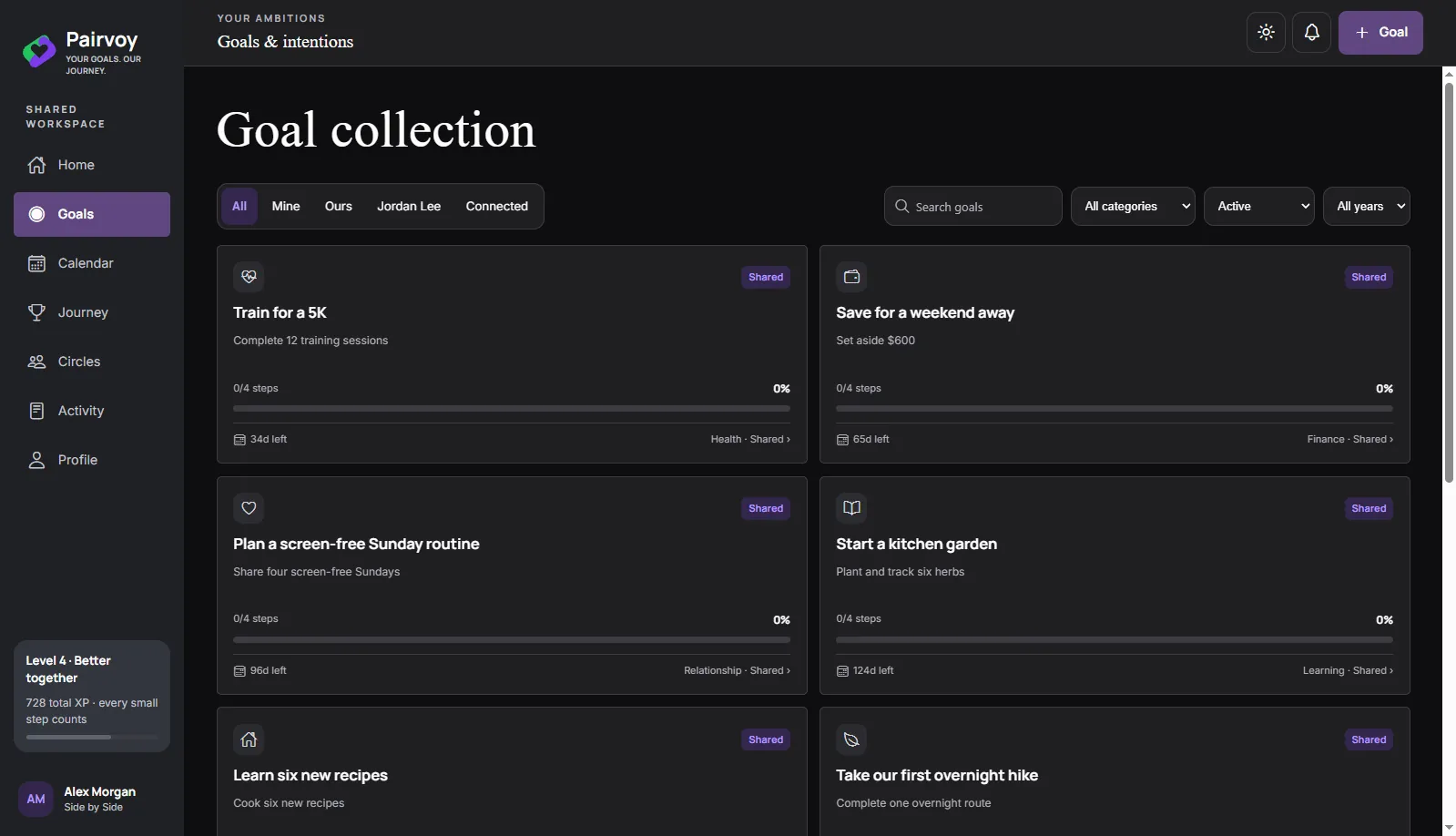
Use SMART planning to clarify why a goal matters, when it’s due and how you’ll measure success. Break it into editable steps and dated actions, then filter the collection to find what you’re working on.
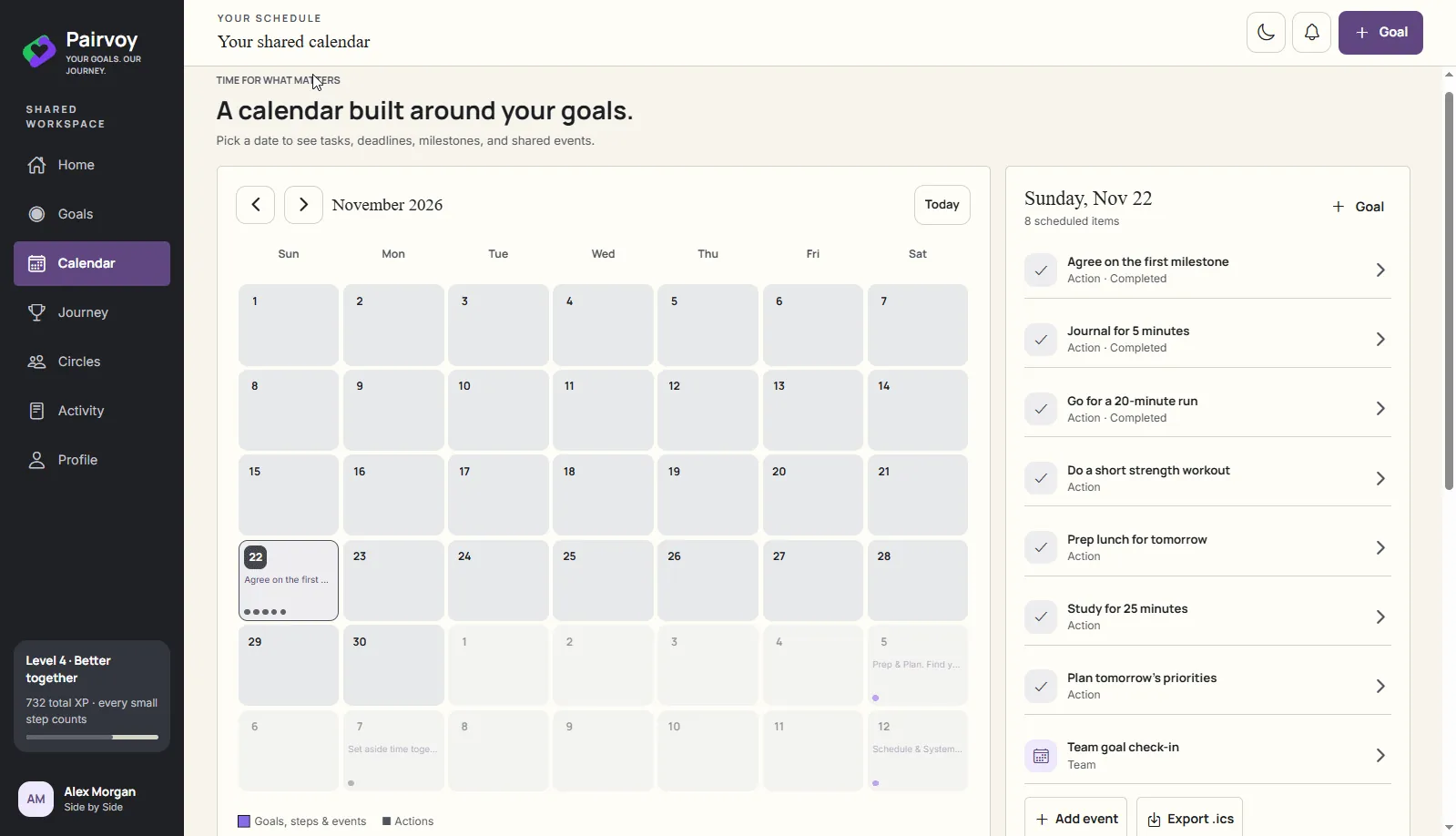
See scheduled actions and goal dates together. Android can add events and reminders to an available device calendar with permission. Windows exports calendar events and reminders as .ics files.
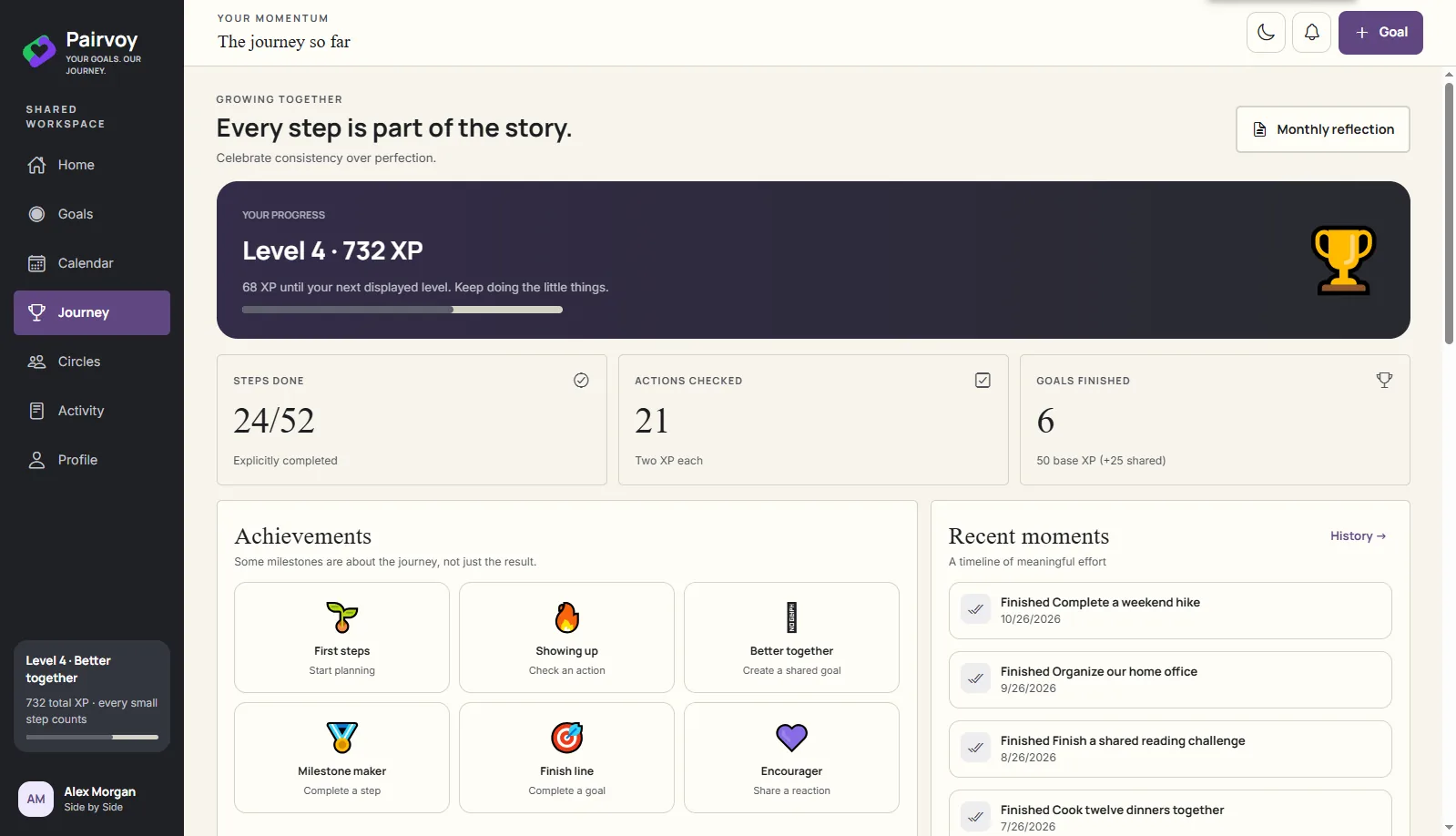
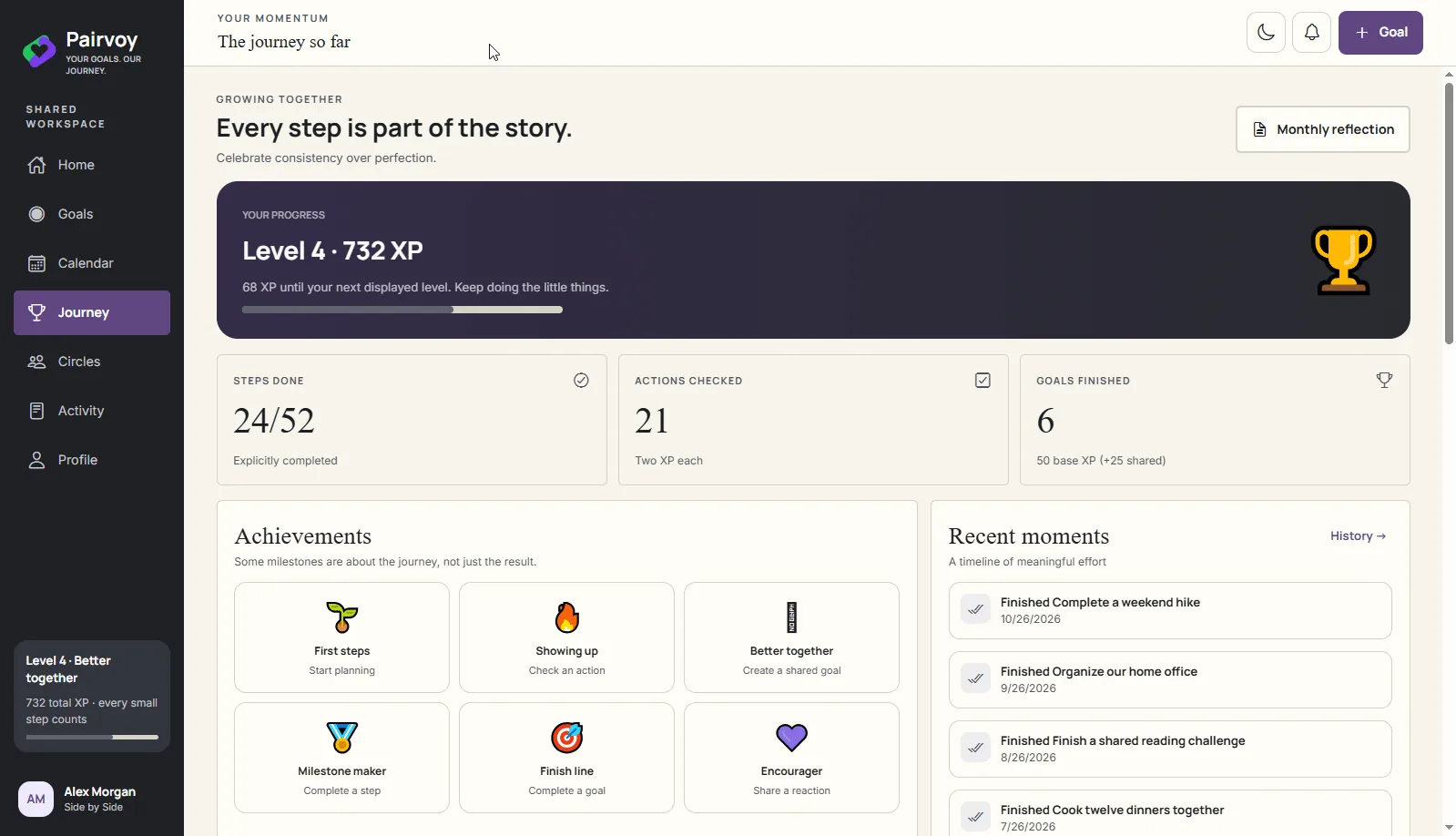
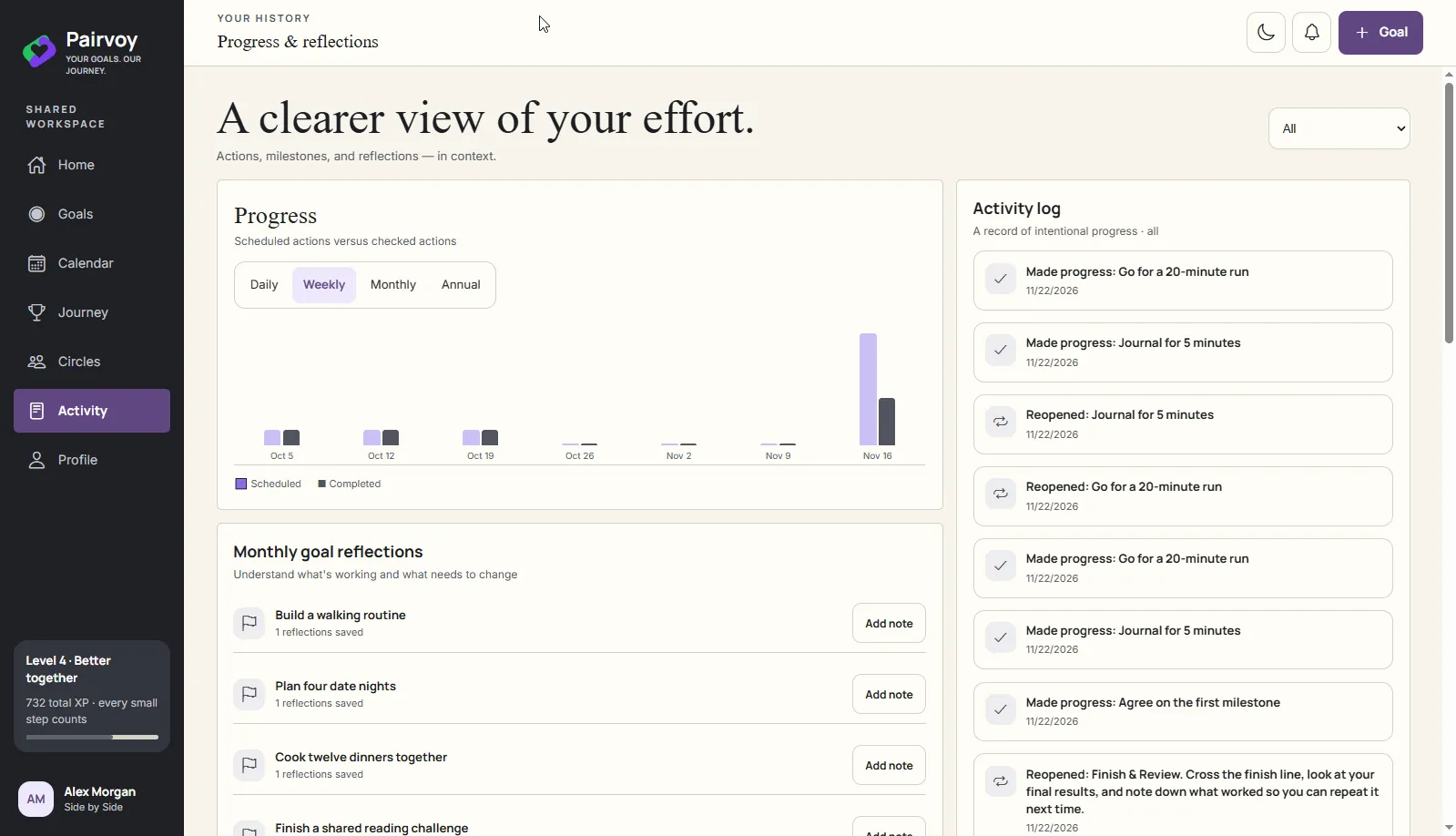
Journey tracks XP, levels, achievements and recent milestones. Activity shows progress charts and goal reflections so you can see how your habits change over time.
Open the current week’s private reflection from Home and optionally link it to a goal. Monthly goal reflections are also available from the Journey and Activity views.
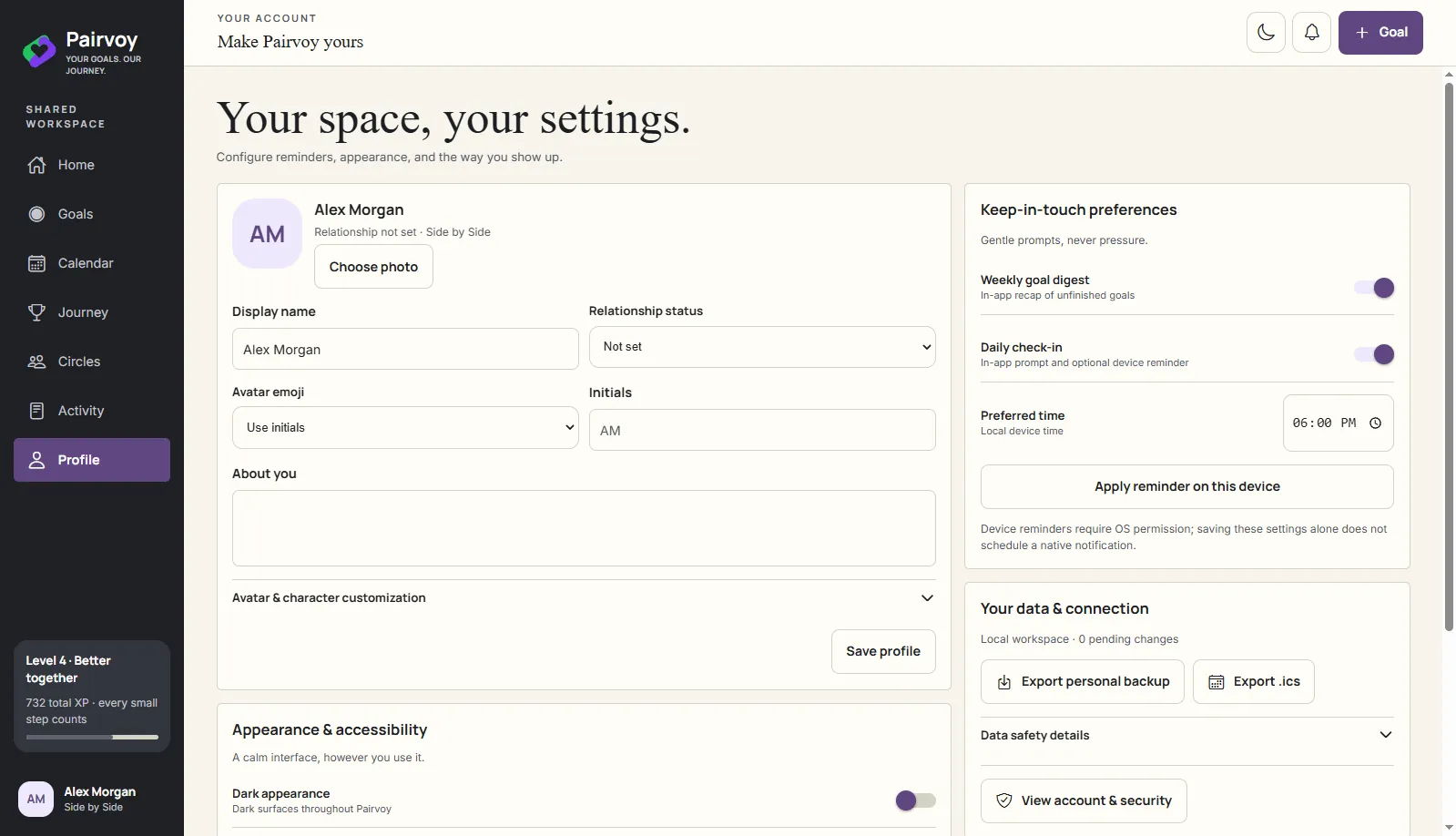
Work with your core team and choose what to share with connected circles. Use Profile to make the workspace your own, switch between light and dark appearance, and manage preferences.
Sign in to sync with your partner, or explore a local workspace. The Windows and Android downloads below are the existing 0.5.19 builds.
November 22, 2026 · Windows and Android testing release
The Android APK retains the app ID and signing certificate used by 0.5.16. The in-place upgrade and launch were verified on an Android emulator. The Windows x64 testing installer is unsigned.
Explore an example workspace in light and dark mode, from the daily checklist to shared goals and the Journey view. Open a screenshot for a closer look or play either short walkthrough.
| Technology | Role |
|---|---|
| React Native, Expo & TypeScript | Shared goal-planning interface for Android and web. |
| Electron | Windows desktop packaging with isolated, sandboxed rendering. |
| Node.js & Express | Account, team and synchronization API. |
| PostgreSQL & SQLite | Hosted API persistence and local development storage. |
| SecureStore & device calendars | Native session storage and optional calendar integration. |
Personal and shared goal permissions, connected-circle visibility and section-sharing controls are enforced by the API. Connected circles cannot edit original goals. Shared goal working notes stay within the core team. Private action notes and weekly reflections stay on the device.
The rebrand includes migration of saved settings, cached workspaces and sessions. Existing goals and preferences remain available as you move to the new name.
Testing builds are not a claim of production certification. Physical-device acceptance, recovery email delivery and operational backup checks remain release considerations.
Choose the testing installer for your platform. The download release includes SHA-256 checksums and installation guides.
The Windows 10/11 x64 testing installer is unsigned. The Android APK is signed and was tested as an in-place upgrade from 0.5.16.