ArcGIS certification preparation · Four free study tools
Study Companions
Study with structure. Practice with purpose.
Four browser-based certification companions created to help organize exam preparation, reinforce technical concepts, and practice decision-making with documentation-linked study material.
These helped me with my own certification preparation, and I hope they help you too.
Four independent HTML filesNo installationOffline studyFree to access
Preparing for a technical certification means more than reading a checklist. It takes understanding concepts, knowing when to use them, recognizing common mistakes, and practicing realistic decisions. I created these companions as a more organized way to review Esri certification topics and related ArcGIS documentation.
Each companion is a self-contained HTML file. Its layout, styling, study content, and interactive JavaScript are stored together, so you can download the file, open it in a modern browser, and work through the material without installing an application or creating an account. Links to official Esri documentation require an internet connection.
They are personal, independently developed learning aids, intended to supplement Esri's official Exam Information Guides, training and hands-on practice.
Choose your path
Four certification companions.
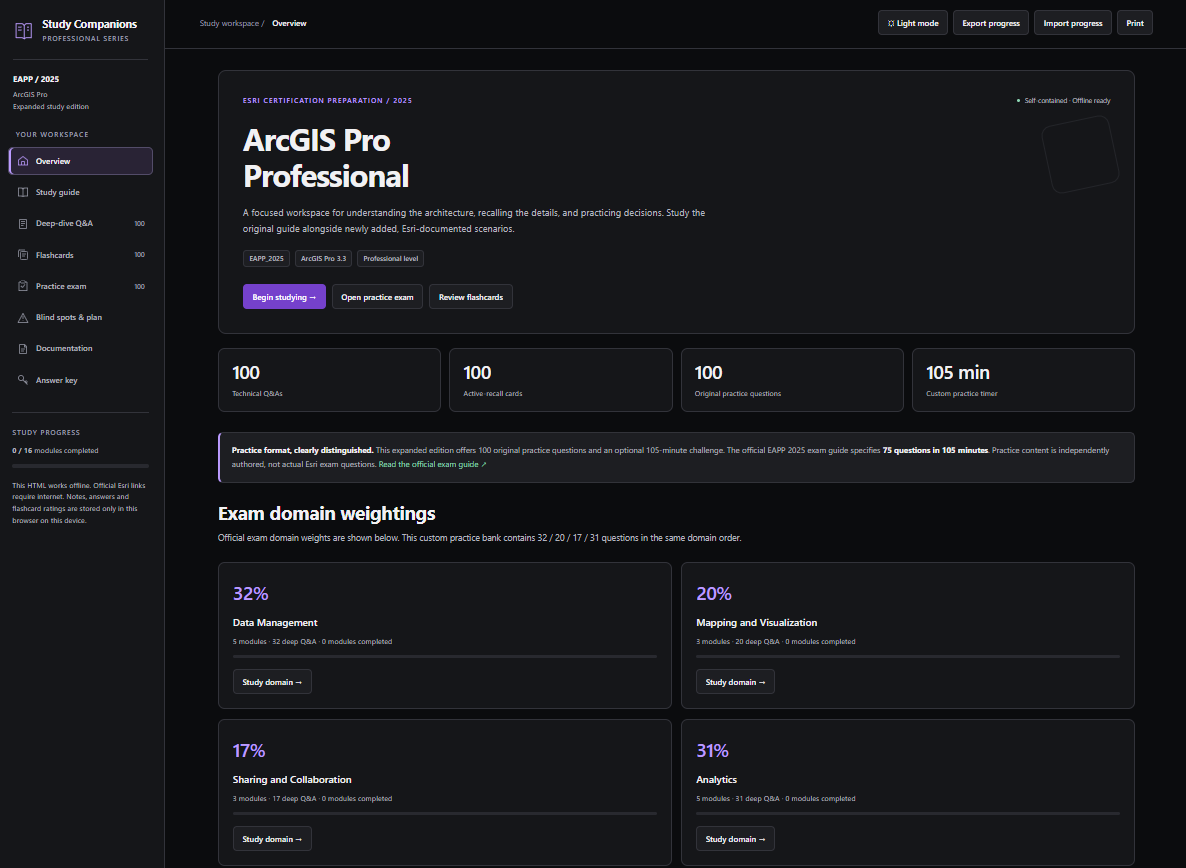
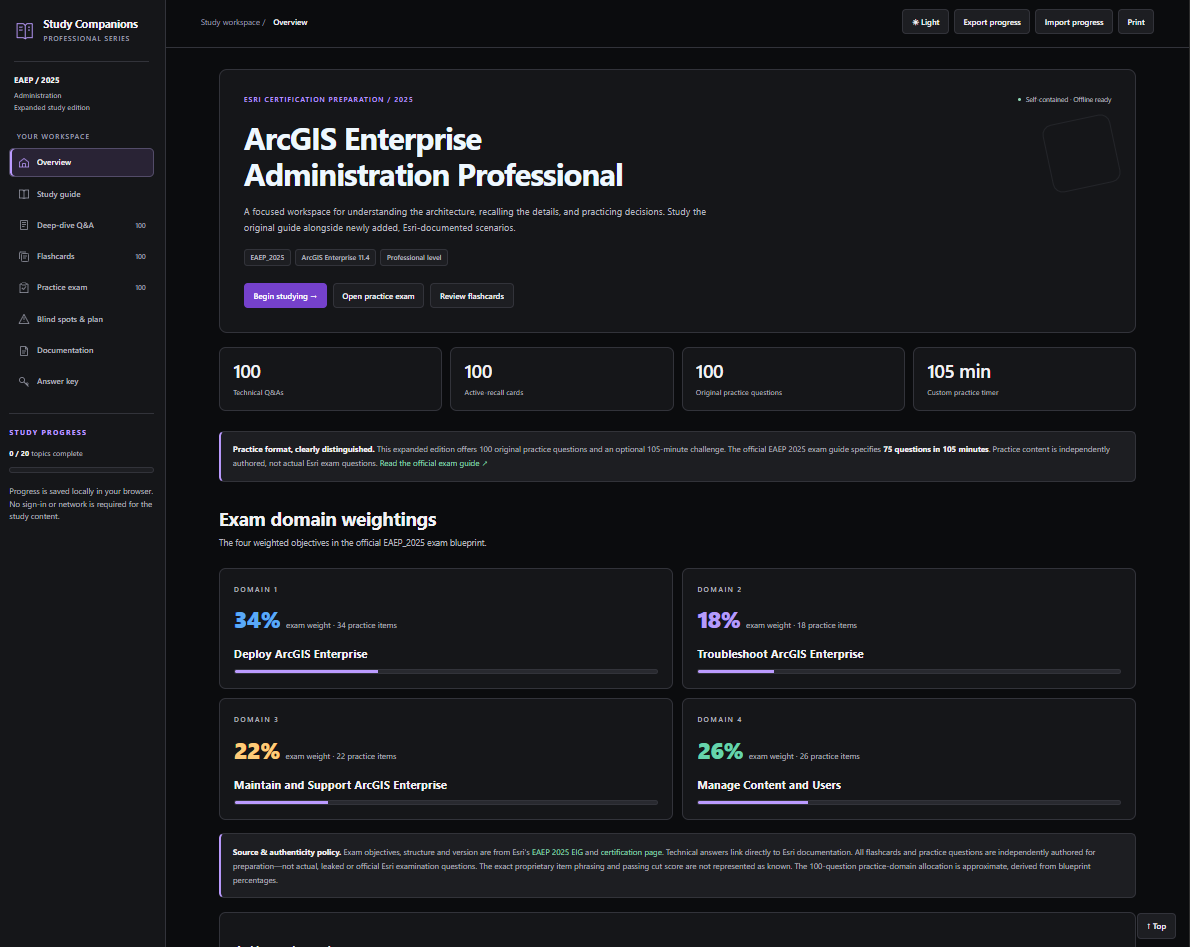
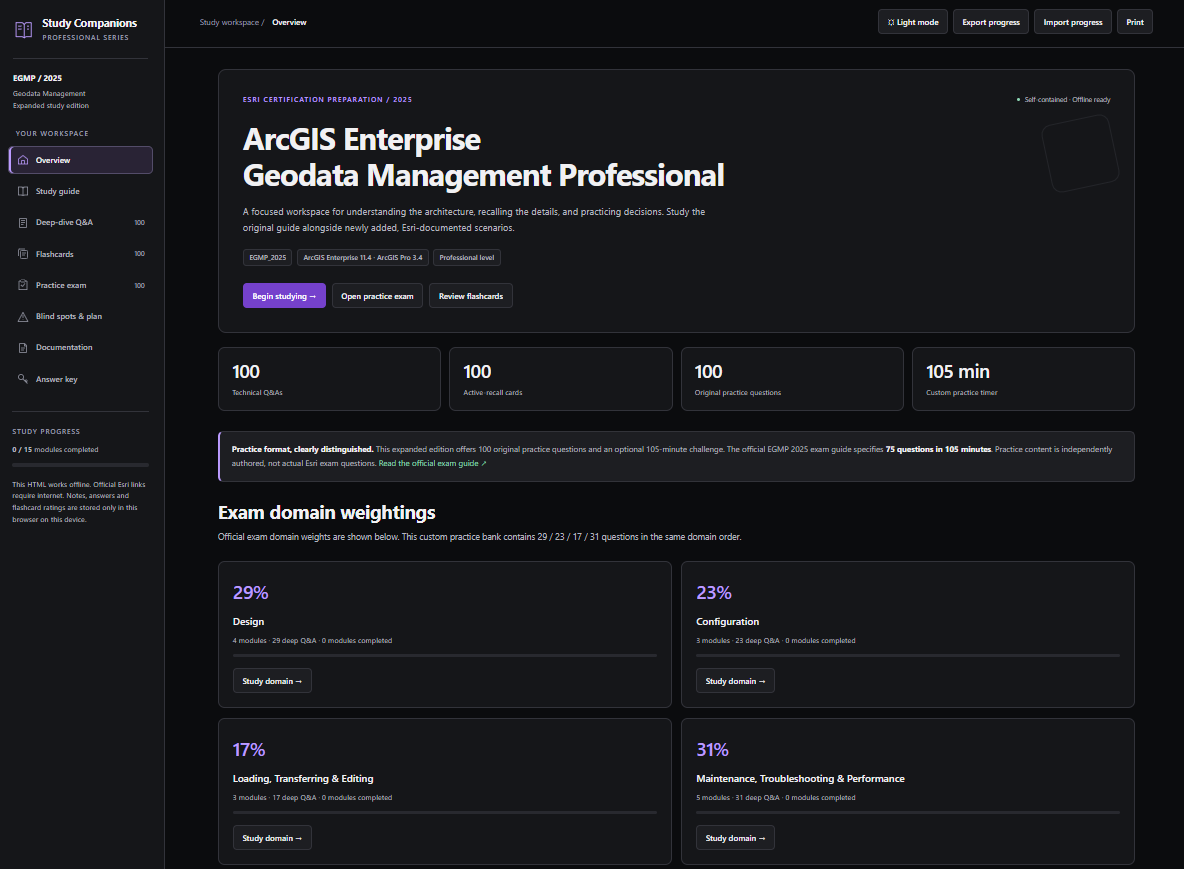
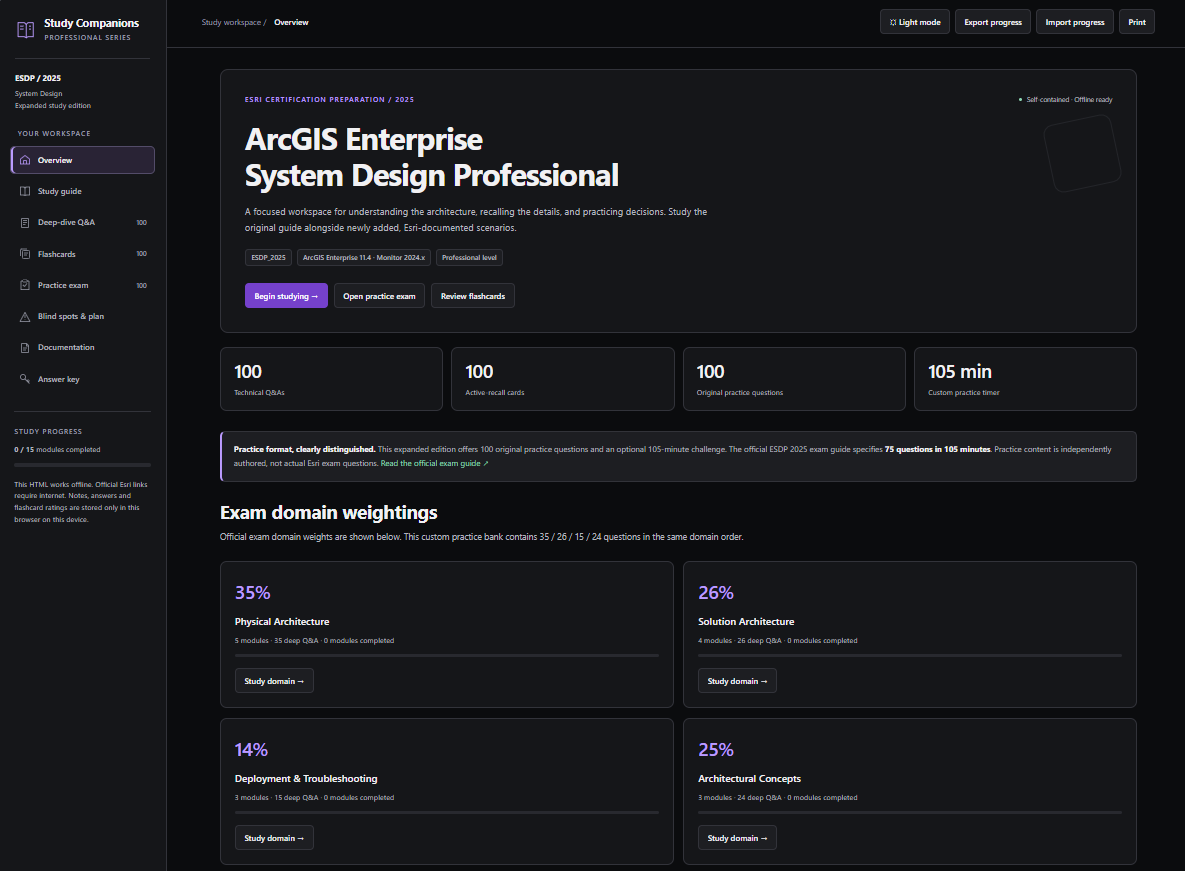
Use the download button for the certification you are preparing for. These screenshots show the updated Study Companions, with a consistent charcoal dark theme, purple accents, and expanded study content. Each file also includes a neutral light theme.
Updated EAPP_2025 overview: charcoal dark theme, study navigation, progress, and exam-domain weightings.
EAPP_2025Single HTML file
ArcGIS Pro Professional 2025
ArcGIS Pro data management, mapping and visualization, sharing, and analytics, with practical scenarios and an offline study workspace.
100 technical Q&As · 100 flashcards · 100 original practice questions · 88 Esri references.
Review major exam domains, technical rules, and key architectural decisions.
Active-recall flashcards
Flip through questions and practice retrieving answers from memory rather than simply rereading them.
Practice exams
Work through 100 original questions per companion, with an optional 105-minute practice timer, explanations, and documentation references. This custom practice format is separate from the official exam format.
Technical Q&A
Explore deeper troubleshooting, analysis, administration and system-design situations.
Hands-on exercises
Connect written study topics with practical ArcGIS activities in a safe test environment.
Progress and references
Review completed topics, local study history and direct links to official Esri resources. Available controls vary slightly by companion.
Getting started
Download. Open. Study.
1 · Download your file
Select the purple download button above to save the current .html file from the Study Companions repository. You can also browse the repository and download a file there.
2 · Open it in your browser
Find the downloaded file in File Explorer or Finder and double-click it. Modern desktop browsers such as Chrome, Edge and Firefox can open these local HTML files. There is no installer or server to configure.
3 · Work through the guide
Start with the exam-domain overview, use the core study guide and technical Q&A, then test your recall with the flashcards and practice exams. Use official Esri reference links whenever a concept needs more detail.
4 · Keep your progress
Browser-saved progress is local to that browser and device, so avoid clearing site data while studying. Use the companion’s Export progress and Import progress controls to keep a backup before switching computers or browsers.
Tip: To save a copy of the HTML, use the Download button rather than copying the browser page. The HTML itself is the complete study workspace; no ZIP extraction, build step or extra dependencies are needed for ordinary use.
How they were created
Small footprint. Useful functionality.
Technology and packaging
The supplied files use standards-based HTML for content, CSS for responsive layouts and dark/light themes, and JavaScript for the flashcards, exam controls, navigation and browser-based saved progress. Their assets and study material are embedded in each standalone file. No hosted application backend or account is required for core study use.
Create a Study Companion for another subject. The reusable design and authoring guide includes the shared UI/UX rules, content schema, validation checklist, and copyable prompts.
The study workspaces were organized around the relevant Esri 2025 exam blueprints and linked official ArcGIS documentation. Each provides independently written review content and practice questions, along with references to look up the underlying technical guidance. Follow the documentation links to verify version-specific behavior as Esri products evolve.
This description explains the technology visible in the supplied HTML files; it does not make unsupported claims about which editor, generation tools, or development services were used to author them.
A note for learners
Independent preparation material.
Created to support learning, not replace official training.
These companions are independent personal study aids, not official Esri training, not affiliated with or endorsed by Esri, and not collections of actual certification-exam questions. Exam versions, blueprints and products can change; always compare with the latest Esri guidance before testing.
Study content runs offline, but official documentation hyperlinks require an internet connection. Notes and progress are stored locally in the browser, not synchronized across devices. Features may differ slightly between the four files.
If they help make your preparation easier, I would be glad to know. They helped me, and I hope they help you.