One of the most useful habits my wife and I have developed is sitting down together to look at our finances. We talk about what’s coming in, what needs to go out, and what we want to work toward. The Personal Finance Planner started as a spreadsheet to help us have those conversations.
Why knowing your numbers matters
You can know how much you earn and still be unsure what’s available after bills, everyday spending, and other commitments. Writing it down gives us something we can both look at. We can see recurring costs, check which payments are coming up, and work out what needs attention.
Keeping the previous months has been useful, too. We don’t have to rely on memory when we’re discussing what changed. We can look back at the entries and use them to help plan the next month.
A spreadsheet that grew with us
I originally created the Personal Finance Planner for our household. It has gone through more than ten revisions, with added functionality in each version. Most of those changes came from using it and finding something that could be easier to enter, understand, or review.
The workbook brings income, expenses, financial summaries, assets, debts, and accounts together. Its monthly metrics update as entries change, and the dashboard updates automatically. Drop-down menus help with recording and updating income and expenses. I added those features because they made the spreadsheet easier for us to use.
How we use it together
My wife and I sit down every two weeks for a finance meeting. We review the spreadsheet, talk about income and expenses, and look ahead. We go over our goals for the year, upcoming bills, planned events, and anything else that might affect the budget.
Sometimes we’re just checking that everything is on track. Other times we need to talk through a change in priorities or figure out how an upcoming event fits into the plan. Having the same information in front of us helps. We can both follow the numbers and talk about what they mean for us.
What you’ll find in the planner
There are monthly worksheets for recording activity and reviewing the financial metrics, along with a dashboard for the broader view. Drop-down menus help with income and expense entries, and dedicated views keep assets, debts, and accounts organized. Recorded months stay available to look back on.
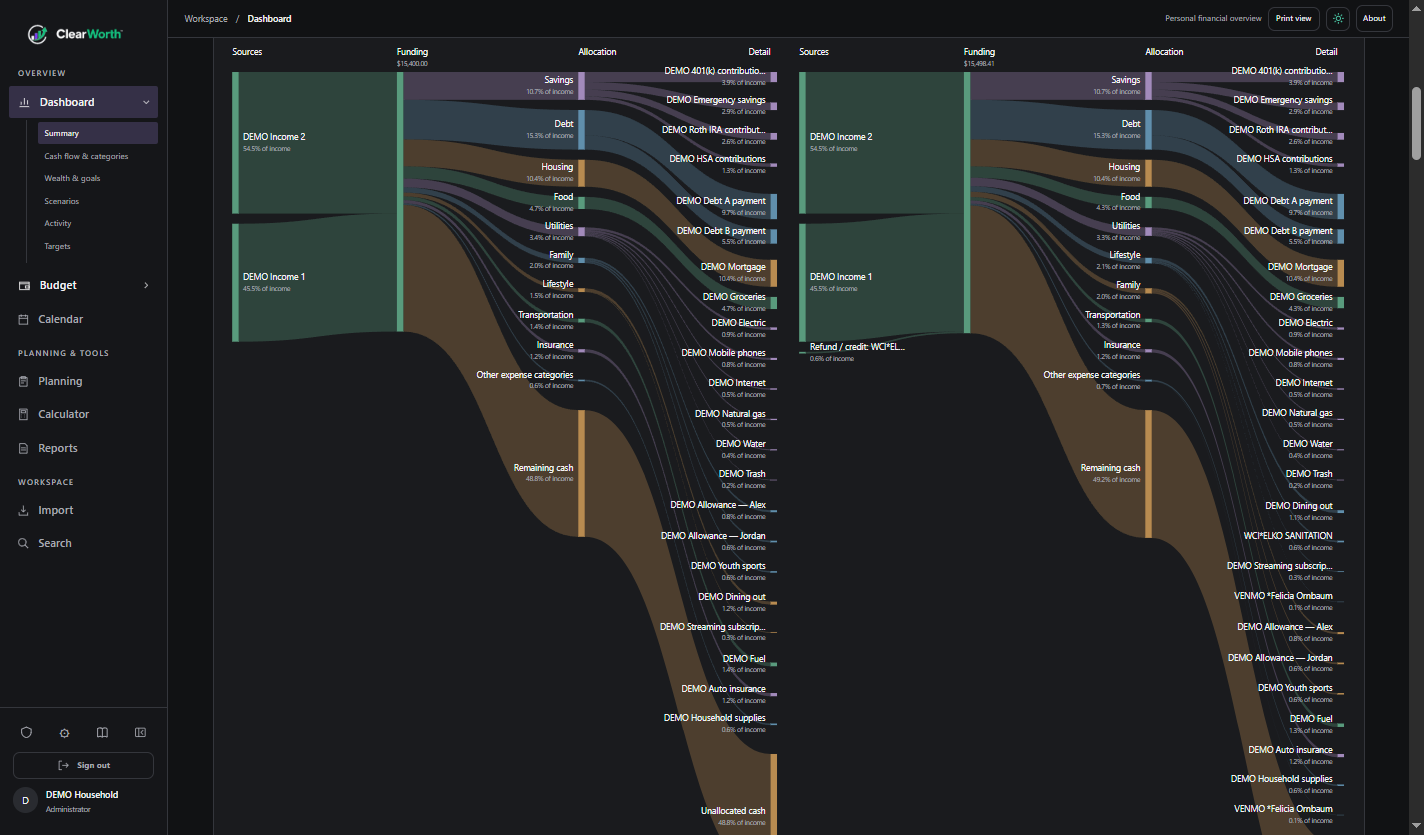
This is a standalone Excel resource. The lessons I learned from it helped inspire ClearWorth, a separate application I’m building to make financial planning and review easier. The spreadsheet is not part of the app.
I’d love to hear what you think
After more than ten revisions, I still see things I could improve. If you try the planner, I’d like to hear what you find useful and what could work better. Feedback from someone using it can point out things I might otherwise miss.
Share your feedback on GitHub ↗
A look inside the workbook
One original dashboard screenshot and a short dashboard walkthrough, shown exactly as provided.
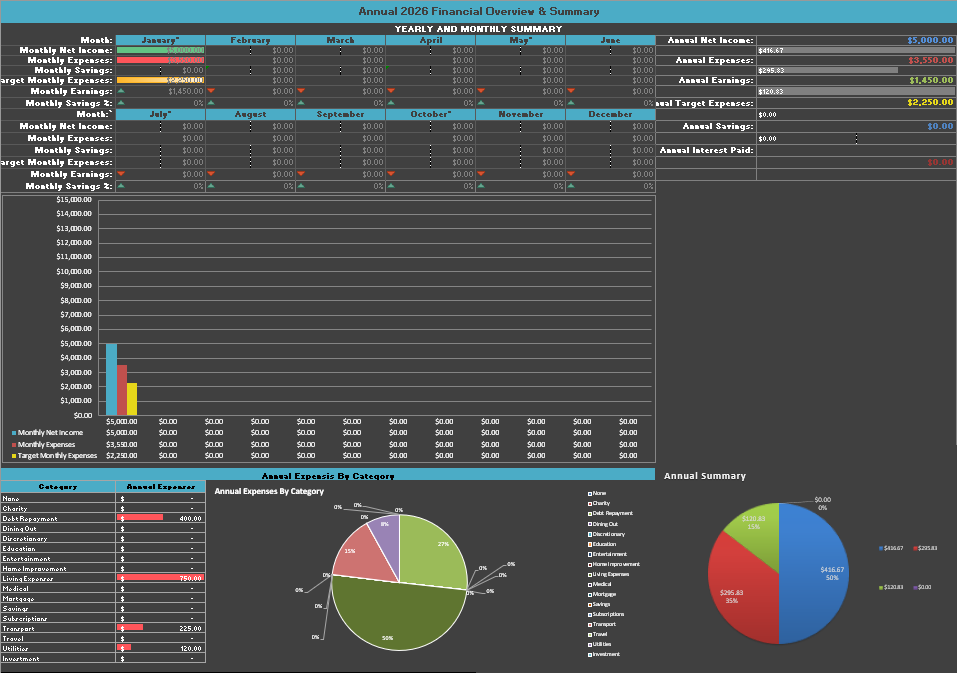
You can explore the planner and download the original Excel file ↗ from the Resources page. The workbook is supplied without edits; review any example information before using it, and do not store real passwords in an unencrypted spreadsheet.